Product
OS Map
Understand Your Windows PC.
A visibility-first Windows application designed to help users understand system, network, privacy, and web configuration information in one place.
OS Map 0.1.0 is currently in trusted testing. View release details, verification information, and project status.
Why OS Map exists
Everything you need to see, in one place.
Windows holds a great deal of useful information about your system, network, privacy settings, and web configuration — but it's spread across dozens of separate dialogs, panels, and command-line tools. Finding any single detail often means knowing exactly where to look.
OS Map gathers that information into one clear interface, organised so you can find what you need and understand what it means. It's built to show you your system, not to change it — you stay in control of any action you take.
Feature areas
Six areas of visibility.
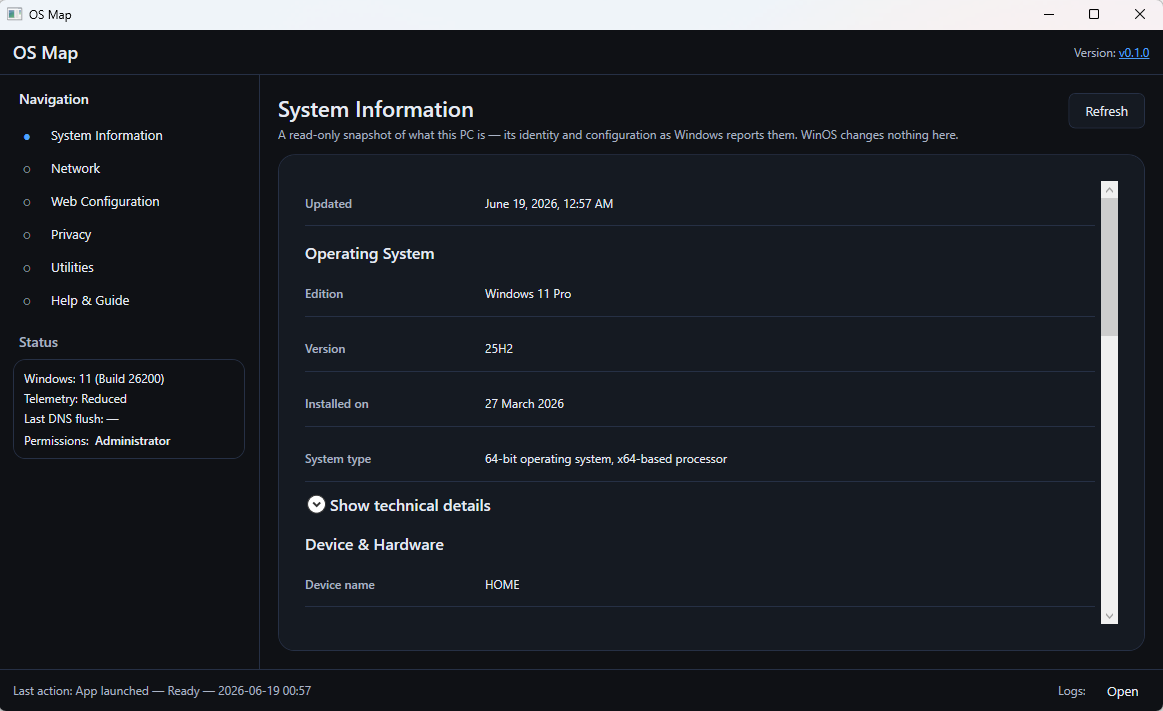
System Information
- See your hardware, storage, and OS at a glance
- See key details about your system
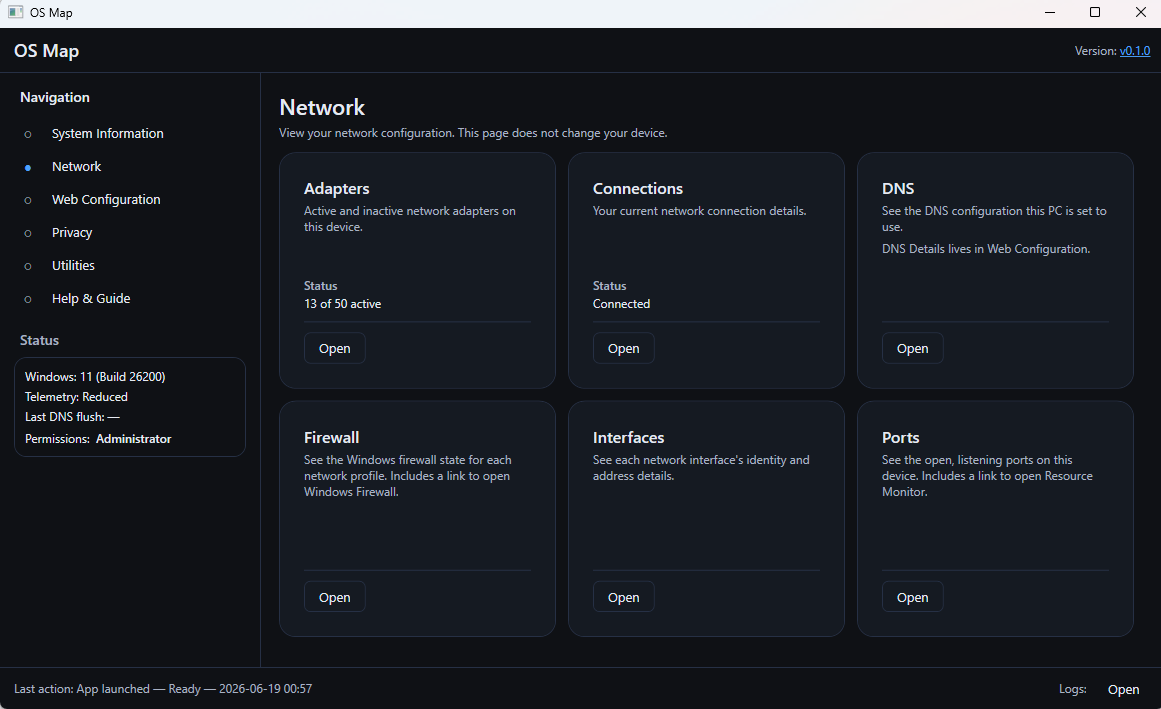
Network
- See which adapters and connections are active
- View DNS, firewall, and port configuration
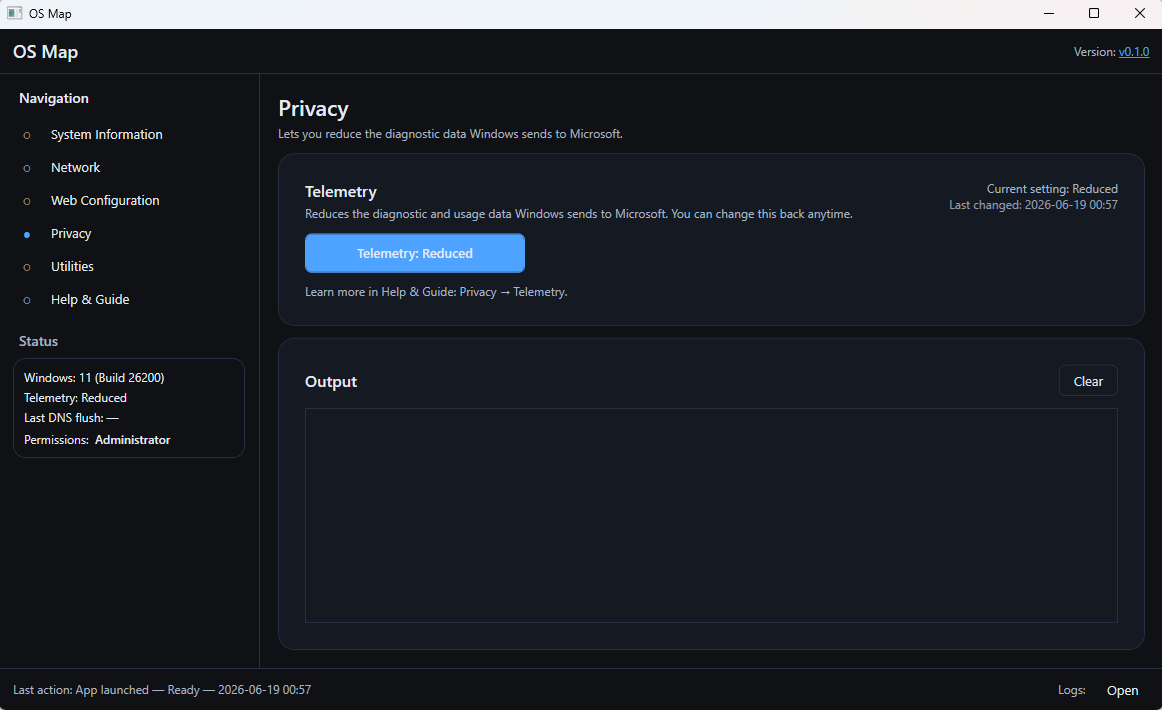
Privacy
- See how Windows privacy settings are configured
- Understand what each setting controls
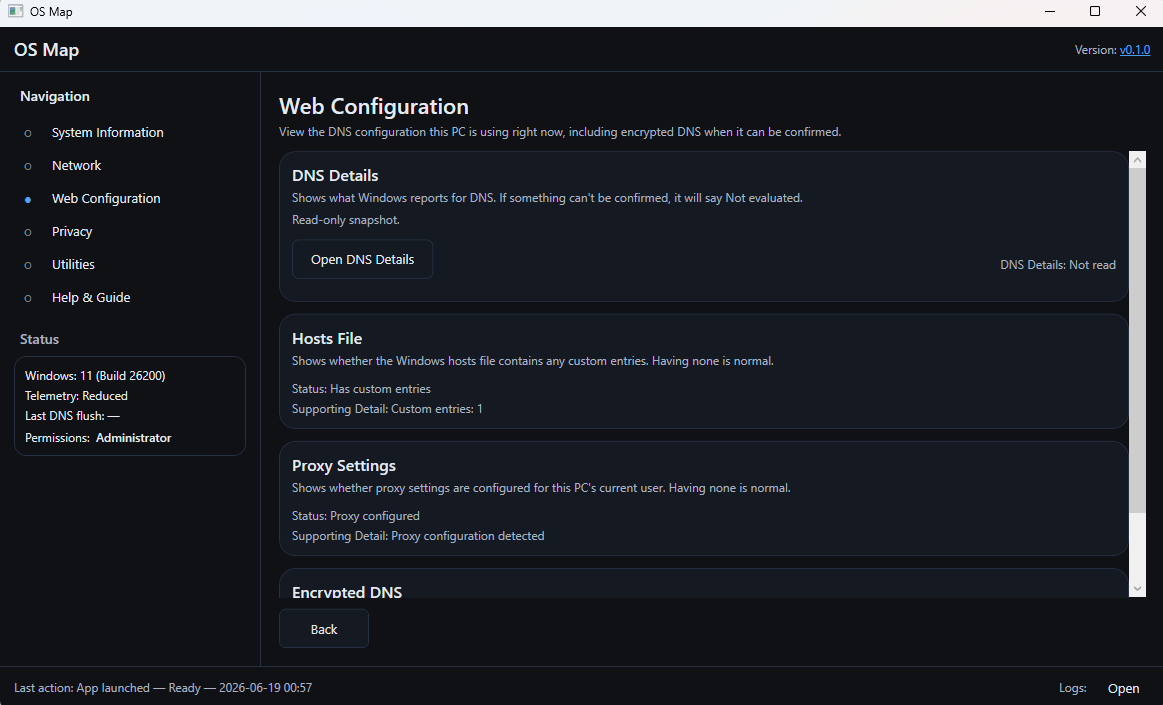
Web Configuration
- See your DNS, hosts, proxy, and encrypted DNS
- Understand how web traffic is routed
Utilities
- Reach common Windows settings quickly
- Practical shortcuts kept close at hand
Help
- Plain-language explanations of what you see
- Guidance and references when you need them
Philosophy
Designed to help you understand.
OS Map is not an optimizer, cleaner, or performance booster.
Visibility First
See what's there.
Understanding Second
Know what it means.
Action Third
Decide what to do.
Automation Last
Only when well understood.
A look inside
One interface, built for clarity.
OS Map brings system, network, privacy, and web configuration into a single, consistent layout — so everything reads the same way, wherever you look.